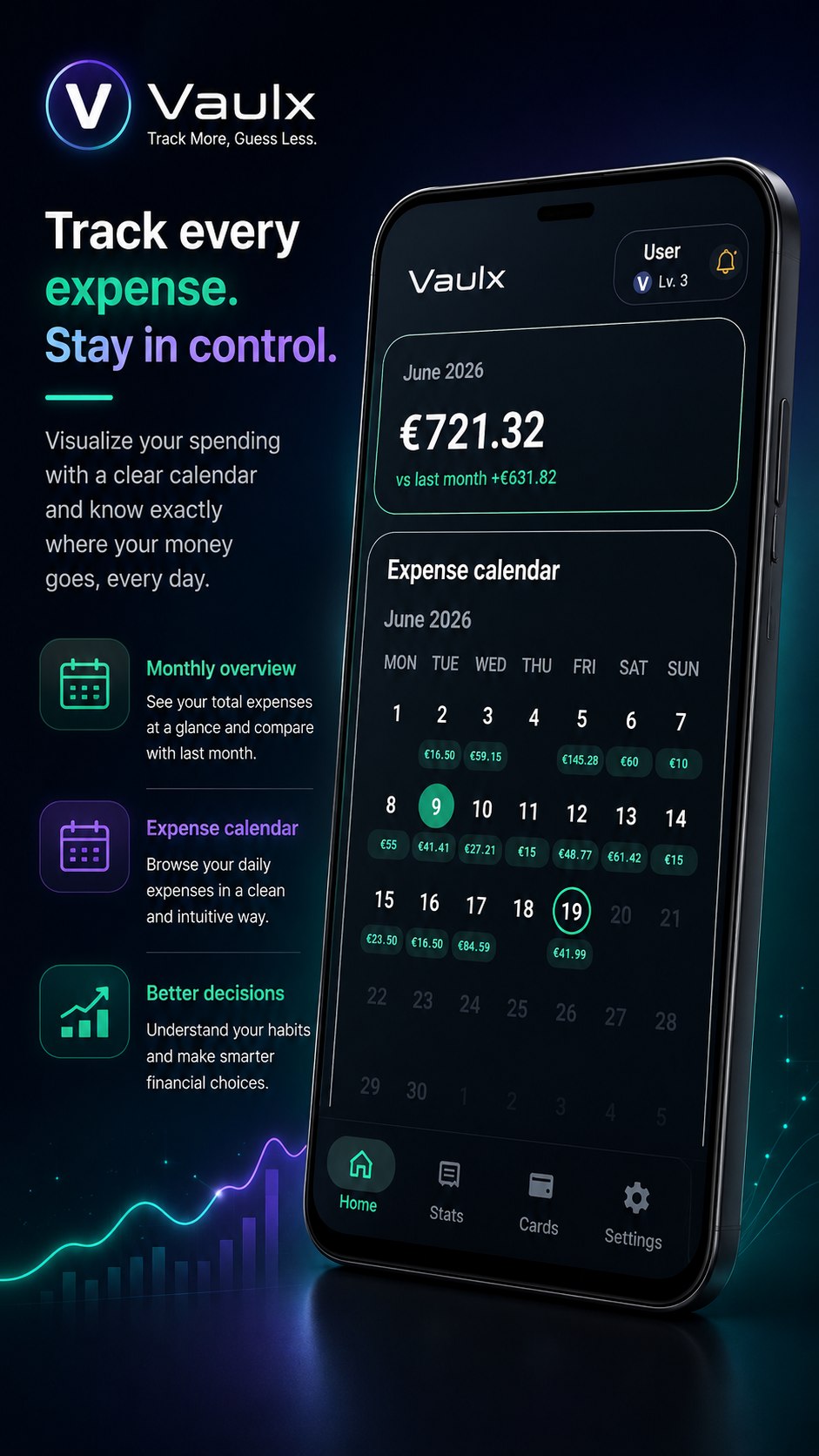
Daily expense calendar
See totals inside each day and open the exact transactions behind them.
Private finance companion
Track everyday spending, plan budgets, organize loyalty cards and build stronger habits through levels, quests and private on-device insights. No ads. No tracking. No account required.
One system, six strengths
Vaulx connects day-to-day tracking with planning, analysis and motivation, while keeping the entire experience fast and personal.
See totals inside each day and open the exact transactions behind them.
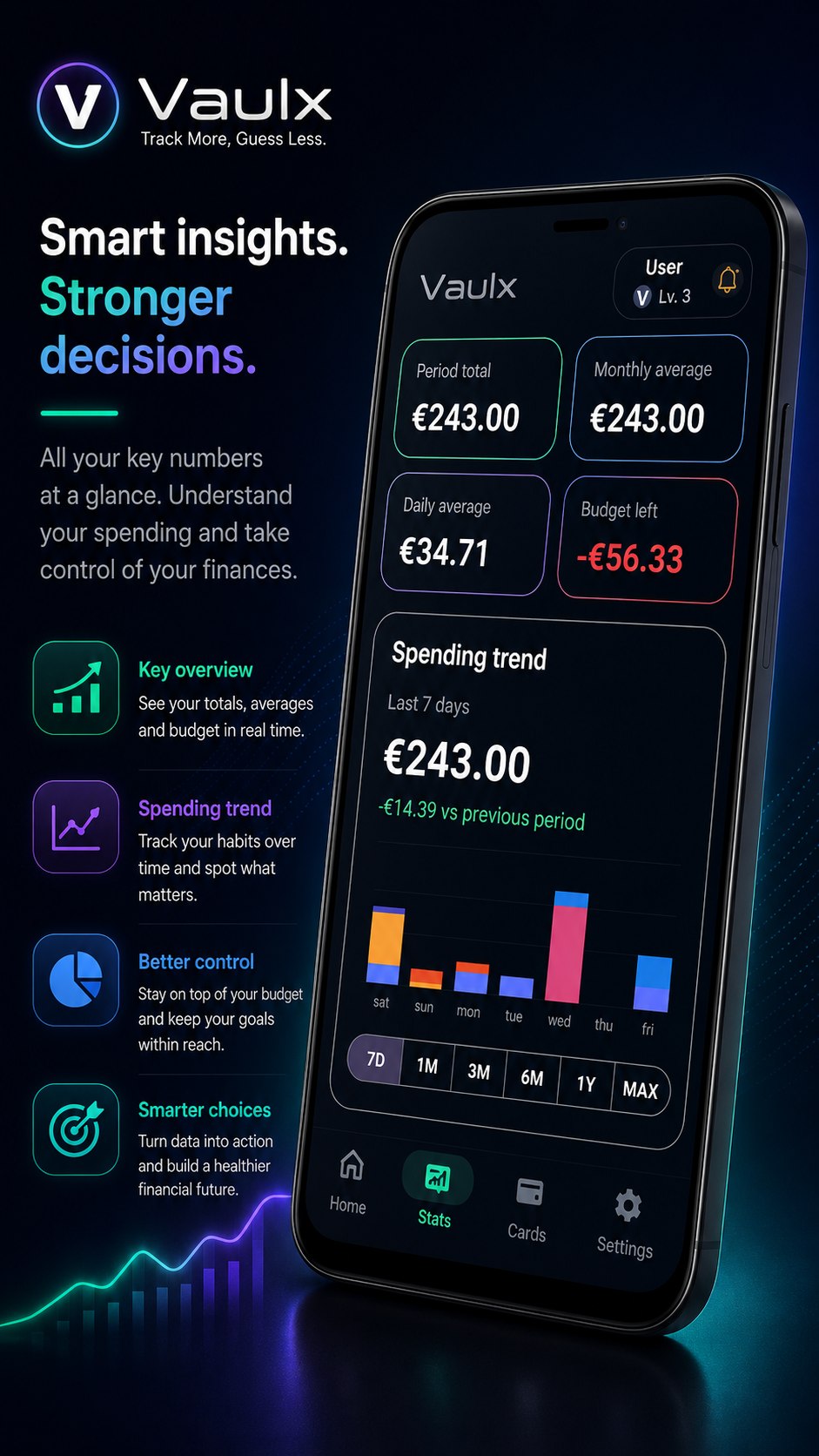
Compare periods, inspect categories and spot changes before they grow.
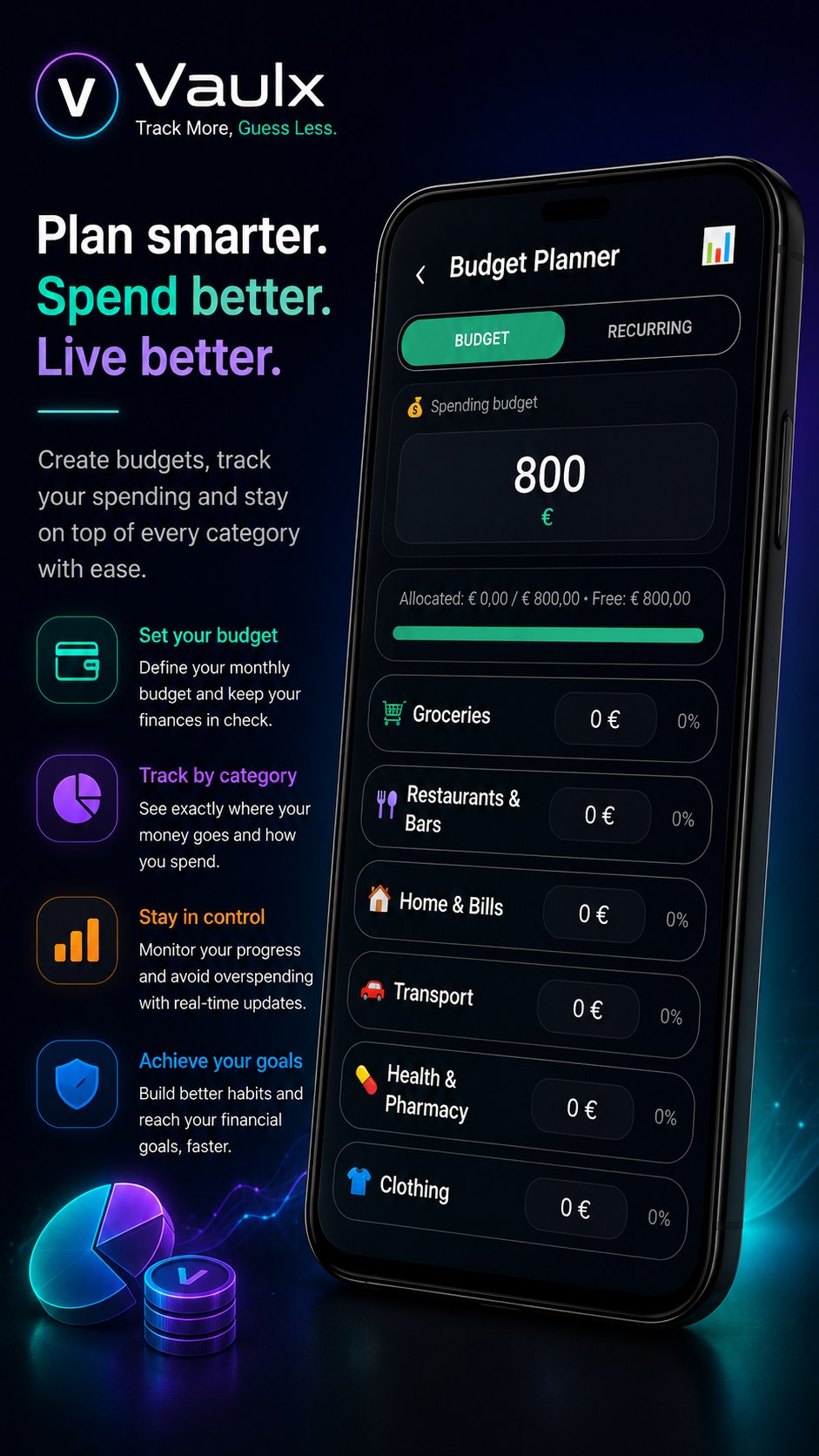
Distribute your monthly budget and account for predictable expenses.
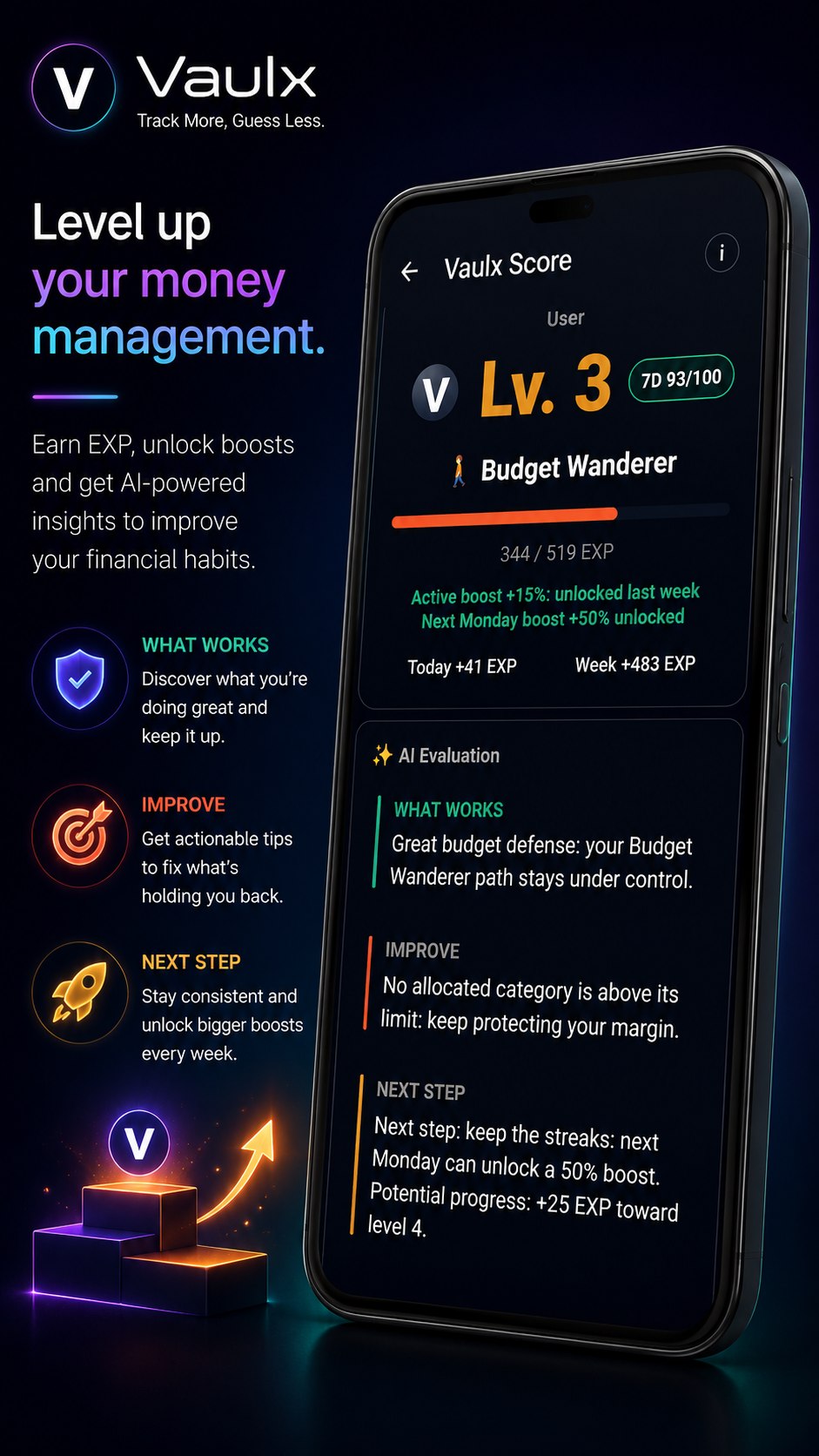
Turn consistent financial habits into visible, rewarding progress.
Inside Vaulx
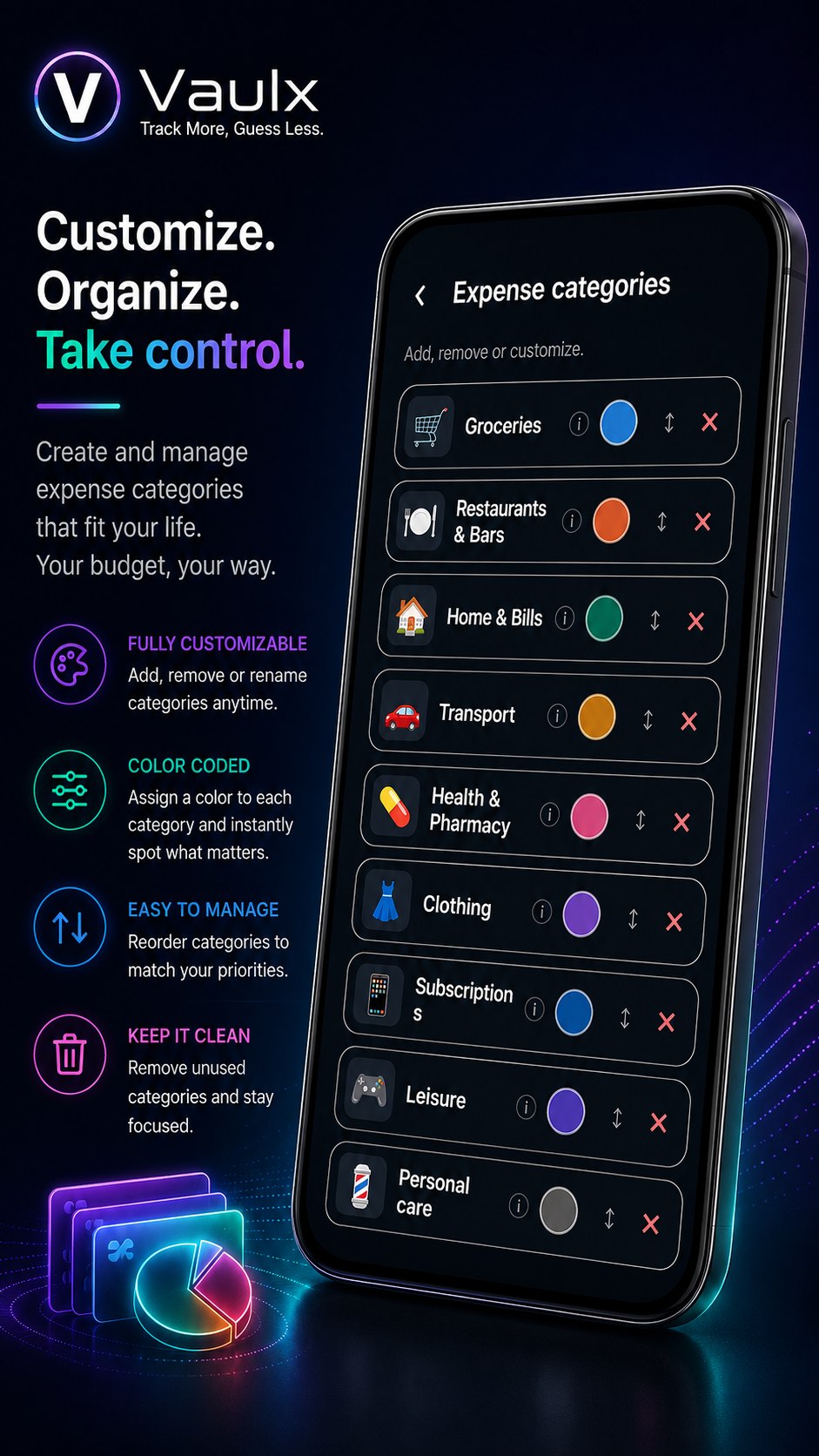
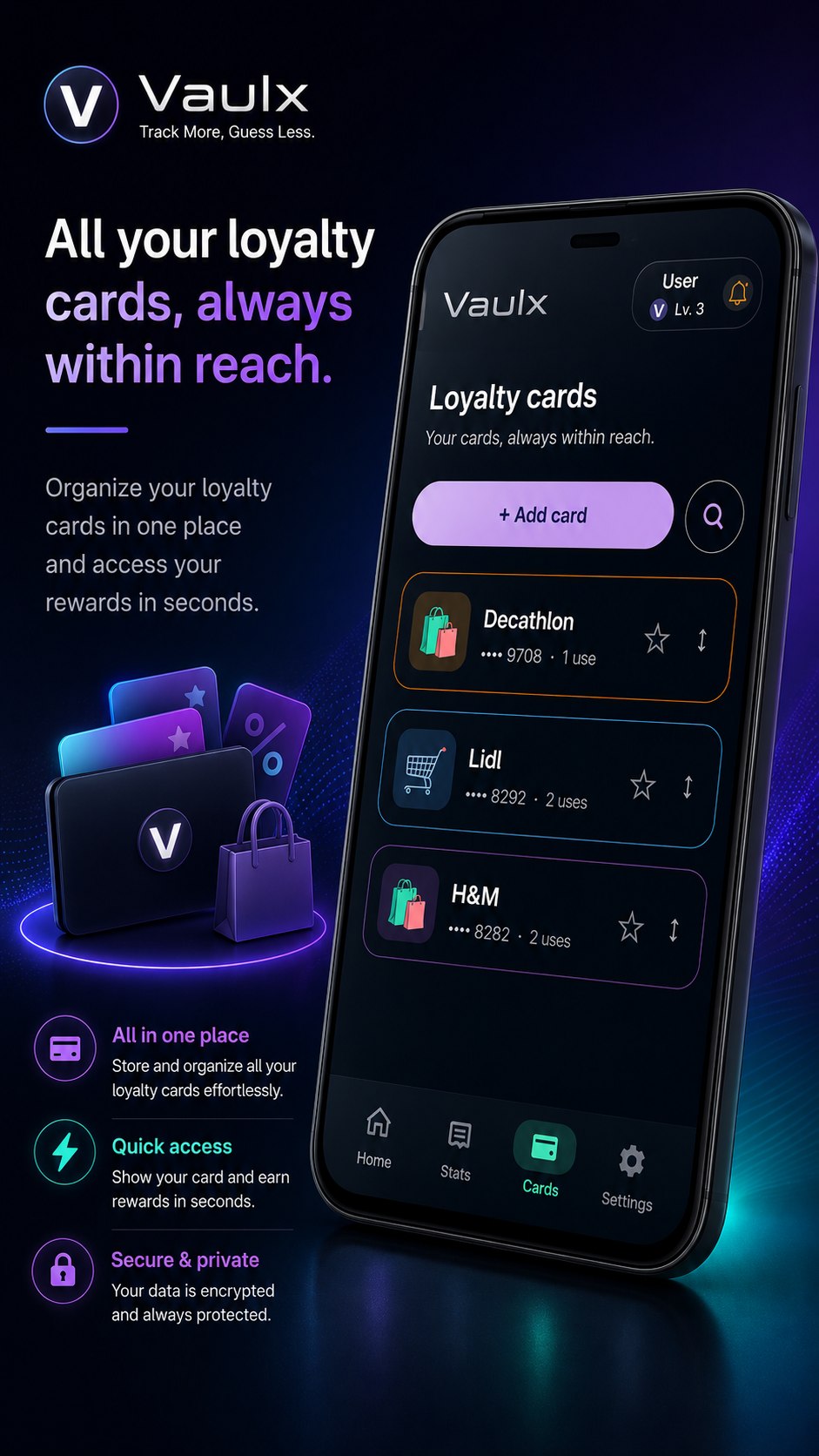
Tap any poster to view it full size. The latest screens cover the complete Vaulx workflow, from daily tracking to loyalty cards.
Privacy policy
Last updated: 21 June 2026. Vaulx is designed as a local-first application. Core features work without an account, advertising profile or analytics SDK.
Contact: vaulxapp@gmail.com
Expenses, categories, budgets, recurring expenses, loyalty cards, levels and quests are stored on the device in an SQLCipher-protected database or encrypted Android storage.
Vaulx does not include advertising SDKs, behavioral analytics or third-party profiling tools.
The camera is used only when the user chooses to scan a barcode or QR code. Recognition happens on-device and captured frames are not stored or transmitted by Vaulx.
A backup is created only on request, encrypted using the recovery password and shared only through the destination selected by the user.
Tracking expenses, viewing statistics, managing budgets, loyalty cards, backups and restores does not require a Vaulx account.
Users can modify or delete their records and erase all local app data from Settings at any time.
Help improve Vaulx
Tell us what happened and which device you used. Reports are delivered securely through HTTPS to Vaulx support.